

Every service business has the same frustration: you spend hours following up on enquiries, only to discover half of them were never going to buy. AI lead qualification changes the game by automatically sorting hot prospects from time-wasters — before you ever pick up the phone.
In this guide, we will walk through five practical ways to qualify leads automatically with AI, each with real examples tailored to service businesses like trades, consulting, and professional services. By the end, you will have a clear playbook for turning your website into a lead qualification automation machine.
Why Lead Qualification Matters
Not every visitor who lands on your website is a potential customer. Some are researching, some are competitors, and some simply can not afford your services. Without qualification, every enquiry looks the same — and your team wastes precious time treating them all equally.
The cost of poor qualification is real:
- Wasted time: The average service business spends 35 per cent of selling hours on leads that never convert.
- Slower response to hot leads: While you are chasing cold leads, your best prospects are calling competitors.
- Team burnout: Endless follow-ups on dead-end enquiries demoralise your sales team.
AI lead scoring solves this by evaluating each lead against your ideal customer profile — automatically and in real time. Here are five ways to put it into practice.
1. Ask Qualifying Questions Up Front
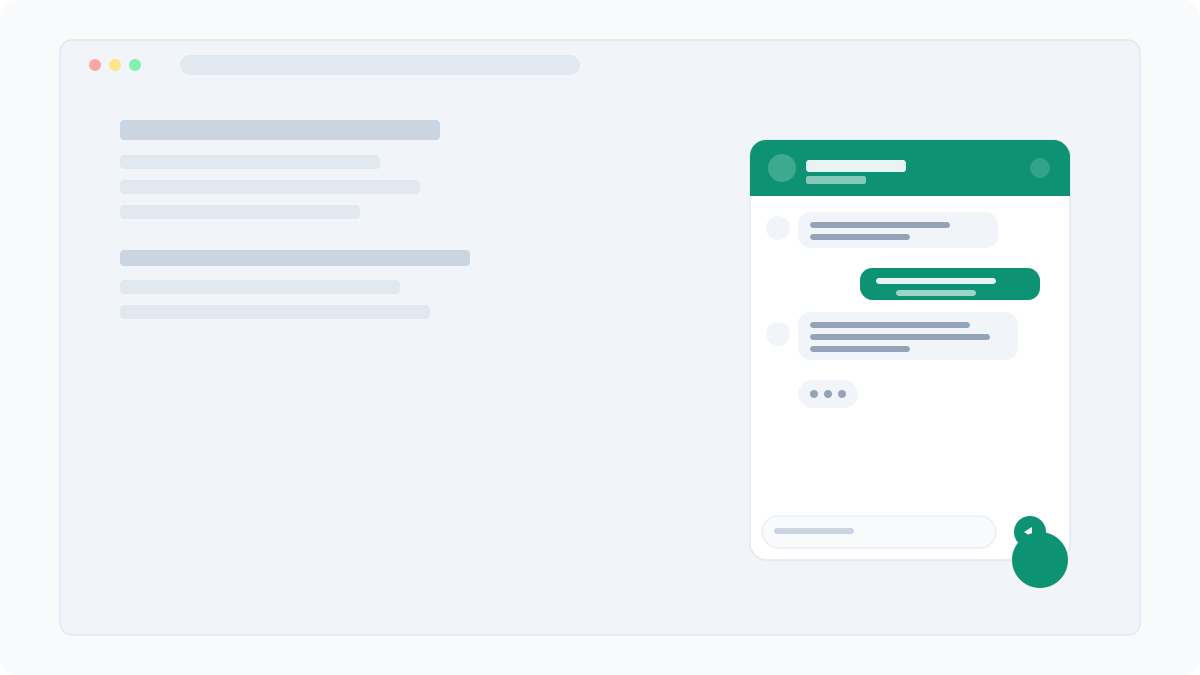
The simplest and most effective qualification strategy is to ask the right questions before collecting contact details. An AI chatbot can weave these naturally into conversation, so the visitor does not feel like they are filling in a form.
How it works
Configure your AI assistant with qualifying criteria — budget range, timeline, location, and project scope. The chatbot asks these questions conversationally:
- "What kind of work are you looking for?" (identifies service match)
- "What suburb are you in?" (checks service area)
- "When do you need this done?" (gauges urgency)
- "Do you have a budget in mind?" (filters by affordability)
Example: An accounting firm
An accounting practice in Melbourne configured MoyoChat to ask visitors: "Are you looking for personal tax returns or business accounting?" followed by "How many employees does your business have?" This simple two-question flow let them separate sole traders (who needed their basic package) from larger businesses (who needed their premium service) — before a single phone call.
The result: their team spent 40 per cent less time on initial consultations because prospects were already matched to the right service tier.
2. Score Leads Based on Conversation Depth
Not all conversations are created equal. A visitor who asks three detailed questions about your services is far more likely to convert than one who asks a single generic question and leaves.
How it works
Conversation depth scoring uses signals like:
- Number of messages exchanged: More messages = higher intent.
- Question specificity: "How much does a full kitchen renovation cost?" scores higher than "Do you do renovations?"
- Pages visited: A visitor who read your pricing page and then started a chat is warmer than one who chatted from the homepage.
- Time on site: Longer sessions indicate genuine interest.
Example: A building company
A residential builder used conversation depth to prioritise follow-ups. Leads with five-plus messages and questions about timelines and materials were flagged as "hot" and received a callback within 15 minutes. Leads with only one or two messages were added to an email nurture sequence instead. This approach doubled their close rate on hot leads because the team focused their energy where it mattered most.
3. Route Hot Leads to Human Handoff
Sometimes the best thing your AI can do is hand off to a human. When a visitor shows clear buying intent — asking about pricing, availability, or saying "I want to book" — routing them to a live team member can seal the deal.
How it works
MoyoChat's handoff feature lets you set trigger rules. When the AI detects high-intent signals, it seamlessly transitions the conversation:
- "It sounds like you are ready to get started! Let me connect you with [Name] who can help you right away."
- The human agent sees the full conversation history, so the visitor does not have to repeat themselves.
- If no one is available, the chatbot captures details and schedules a callback.
Example: A pest control company
A pest control company in Brisbane set up handoff triggers for keywords like "urgent", "today", and "how soon can you come". Emergency jobs — which commanded a premium rate — were routed directly to the dispatcher. Non-urgent enquiries were qualified by the AI and added to the lead queue. The result: emergency bookings increased by 25 per cent because the response time dropped from hours to seconds.
4. Tag and Categorise Automatically
Manual lead tagging is tedious and inconsistent. One team member tags a lead as "residential", another calls the same type "home". AI eliminates this mess by applying consistent, automatic tags based on conversation content.
How it works
The AI analyses each conversation and applies tags for:
- Service type: plumbing, electrical, accounting, consulting, etc.
- Urgency: emergency, this week, no rush
- Location: suburb or region extracted from conversation
- Lead quality: hot, warm, cold based on scoring
These tags flow directly into your CRM or lead management system via webhooks, keeping everything organised without manual data entry.
Example: A multi-trade business
A company offering plumbing, electrical, and carpentry services used auto-tagging to route leads to the right team. The AI tagged each lead with the relevant trade, urgency level, and suburb. Leads were automatically assigned to the correct tradesperson's queue. Response times dropped by 60 per cent because leads no longer sat in a generic inbox waiting to be triaged.
5. Send Instant Notifications for Qualified Leads
Speed is everything in lead follow-up. Research consistently shows that responding within five minutes increases your chances of qualifying a lead by 21 times compared to waiting 30 minutes. AI qualification combined with instant notifications ensures your team acts fast — but only on leads worth pursuing.
How it works
Configure MoyoChat to send notifications only when a lead meets your qualification threshold. Notifications can go via:
- Email: Detailed lead summary with conversation transcript.
- Webhook: Push data directly into your CRM, Slack, or project management tool.
- SMS (via integration): A text alert for the most urgent leads.
The key is selective notification. Your team only gets pinged for leads that have been qualified — no more alert fatigue from every casual browser.
Example: A consulting firm
A management consulting firm set up MoyoChat to notify the partner only when a lead had a budget over $10,000 and a timeline under three months. Lower-value enquiries were handled by the AI with an automated response and a link to book a discovery call. The partner's time was protected, and their pipeline fill rate increased by 35 per cent because they only engaged with high-value prospects.
Putting It All Together
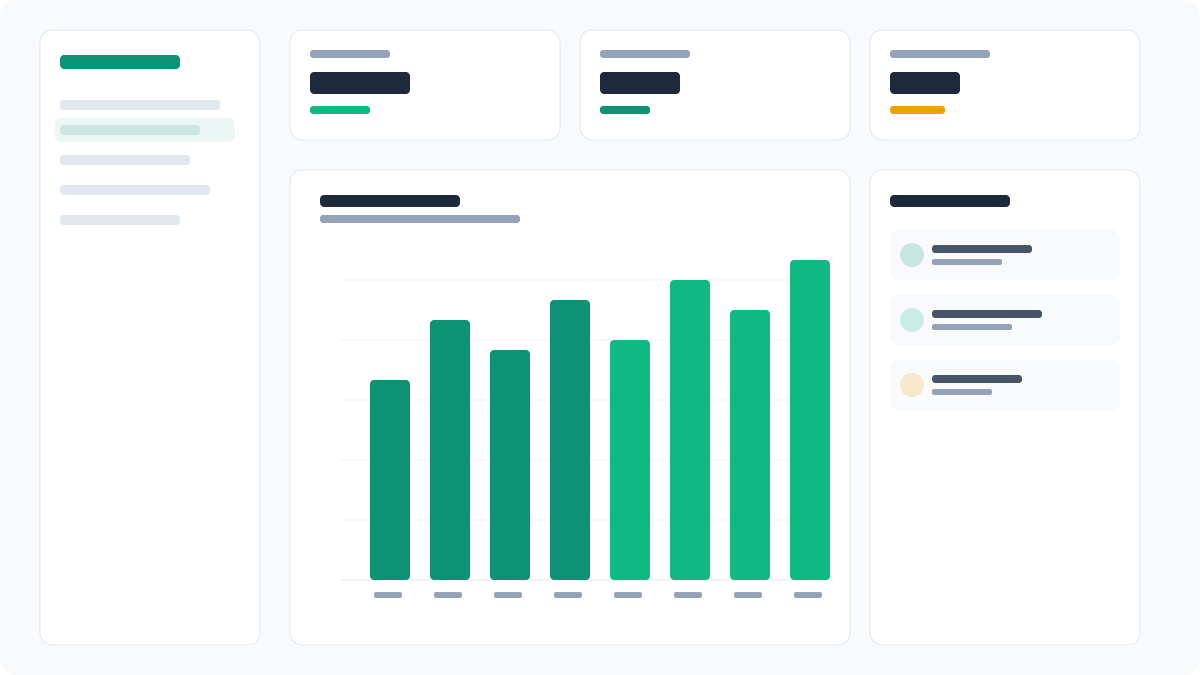
The five strategies above are not mutually exclusive — they work best in combination. A typical MoyoChat setup for a service business might look like this:
- Visitor lands on your site and the AI chatbot greets them.
- The chatbot asks qualifying questions (strategy 1) while tracking conversation depth (strategy 2).
- Based on the answers and engagement level, the AI scores the lead and applies tags (strategy 4).
- Hot leads trigger an instant notification (strategy 5) or human handoff (strategy 3).
- Warm leads receive an automated follow-up sequence.
- Cold leads are politely handled without wasting your team's time.
The entire process happens in real time, with zero manual intervention. Your team focuses exclusively on the leads most likely to convert.
Ready to Qualify Leads on Autopilot?
MoyoChat makes AI lead qualification accessible to any service business — no technical skills, no complex setup. Start your free trial and see how many tyre-kickers you have been wasting time on. Your future self (and your sales team) will thank you.